
Casino · Live · Sports
Wageon Payment Methods in the United Kingdom: Deposits, Withdrawals
All current Wageon bonuses for UK players in 2026: welcome package, free spins and sports offers with terms explained.

Getting started at Wageon in minutes
Create an account
Fill the form and confirm your email.
Make a deposit
Choose a method and confirm the payment.
Claim the bonus
Enter the promo code before the first deposit.
Wageon: welcome bonus for new players
- fast payouts
- mobile-friendly
- quick registration
Wageon in short answers
How do I verify my account?
- You upload an ID document in your profile once.
What is the minimum deposit?
- The amount is listed for each payment method.
Is the site legal?
- The operator works under a licence and checks players' age.
Wageon strengths and weak spots
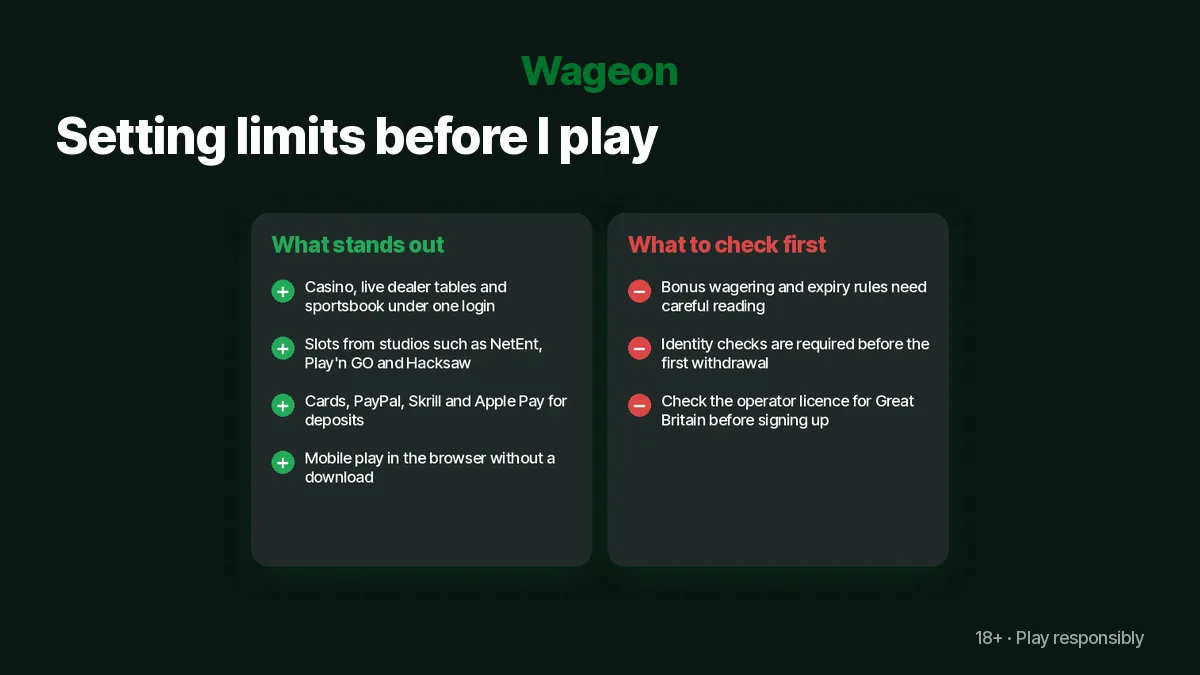
What stands out
- Casino, live dealer tables and sportsbook under one login
- Slots from studios such as NetEnt, Play'n GO and Hacksaw
- Cards, PayPal, Skrill and Apple Pay for deposits
- Mobile play in the browser without a download
- Deposit limits and self-exclusion tools in the account
What to check first
- Bonus wagering and expiry rules need careful reading
- Identity checks are required before the first withdrawal
- Check the operator licence for Great Britain before signing up
I went through how Wageon handles deposits and withdrawals in 2026, from Nagad to Visa, Mastercard and PayPal, and what a player in GB should check before paying in. Gambling is for adults 18+ and carries financial risk.
Why Your Wageon Payment Method Choice Matters: Speed, Limits and Fit
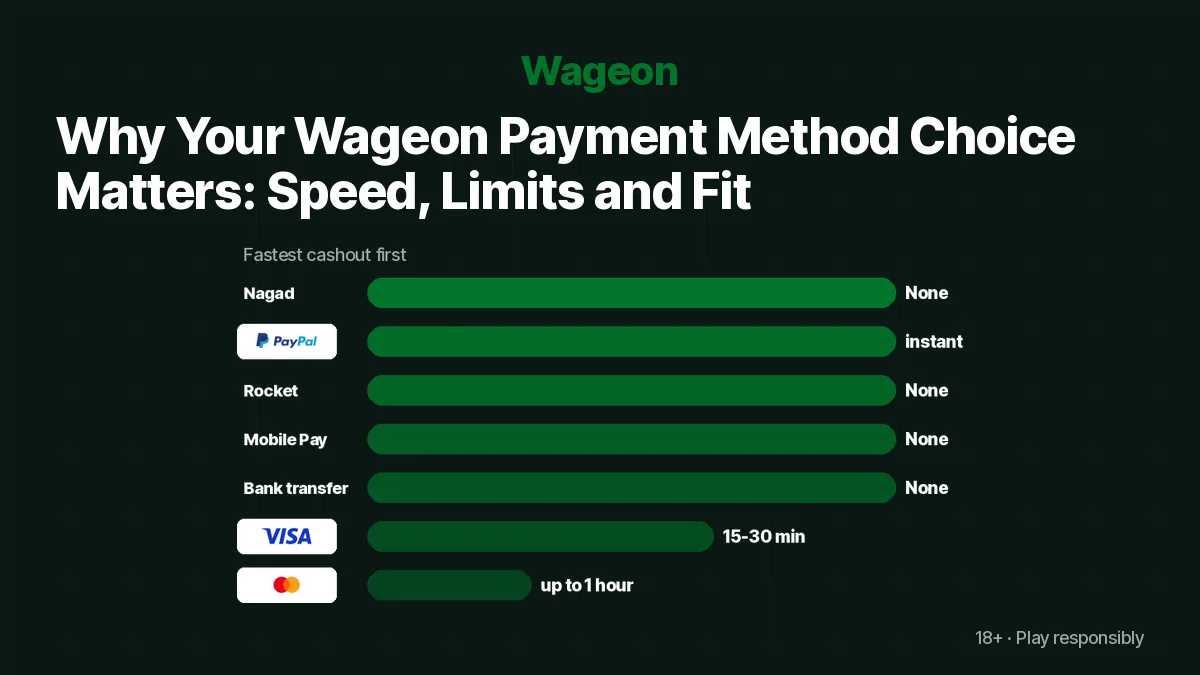
The wageon payment methods I see listed are Nagad, Visa, Mastercard, PayPal, Rocket, Mobile Pay and bank transfer. Which one suits you depends on speed, minimum deposit, fees, the withdrawal route and whether the method is actually offered where you live. I compare those five points first, then pick a method, because the cashier decides what is live for your account.
The criteria I check before depositing
Before I send money to wageon, I run through a short checklist. The first thing I read is the minimum deposit, because it decides whether a method is worth using for a small, controlled stake. Next I look at withdrawal processing time, since a fast deposit means little if cashing out is slow. I do not rely on any figure quoted elsewhere; the cashier shows the live numbers, and I trust those.
| Criterion | Why it matters | Where I check it |
| Minimum deposit | Sets the smallest stake I can start with | Cashier, deposit screen |
| Withdrawal processing time | Shows how long my money stays pending | Cashier, withdrawal screen |
| Fees | Can reduce what I receive or pay in | Cashier and payment terms |
| Withdrawal route | Payouts often need to return by a matching method | Withdrawal screen |
| Regional availability | Not every method appears for every account | Cashier while logged in |
A note for readers in GB
Nagad and Rocket are tied to Wageon's main audience in Bangladesh, so I would not assume they appear for a GB-based account. Visa, Mastercard and PayPal are more familiar to UK players, but I still open the cashier and see which methods are really shown before registering or paying anything.
One compromise to accept
The method that feels easiest is not always the one with the smoothest payout. I would rather pick a route I can also withdraw to, and set a deposit limit first. Play only with money you can afford to lose.
Wageon Deposit Methods Side by Side: Nagad, Cards, PayPal, Rocket and Bank Transfer
For a wageon deposit I split the options into four types: mobile wallets (Nagad, Rocket, Mobile Pay), cards (Visa, Mastercard), PayPal as an e-wallet, and bank transfer. Wageon payment methods differ mainly in convenience and payout route, so I choose by situation rather than by habit.
| Method | Type | Deposit | Withdrawal | What to check |
| Nagad | Mobile wallet | Minimum deposit shown in the cashier | Processing time shown in the cashier | Regional availability |
| Rocket | Mobile wallet | Shown in the cashier | Shown in the cashier | Regional availability |
| Mobile Pay | Mobile wallet | Shown in the cashier | Shown in the cashier | Whether it appears for my account |
| Visa | Card | Shown in the cashier | Shown in the cashier | Card is in my own name |
| Mastercard | Card | Shown in the cashier | Shown in the cashier | Card is in my own name |
| PayPal | E-wallet | Shown in the cashier | Shown in the cashier | Account matches my identity |
| Bank transfer | Bank | Shown in the cashier | Shown in the cashier | Transfer time and bank fees |
Mobile wallets: Nagad, Rocket and Mobile Pay
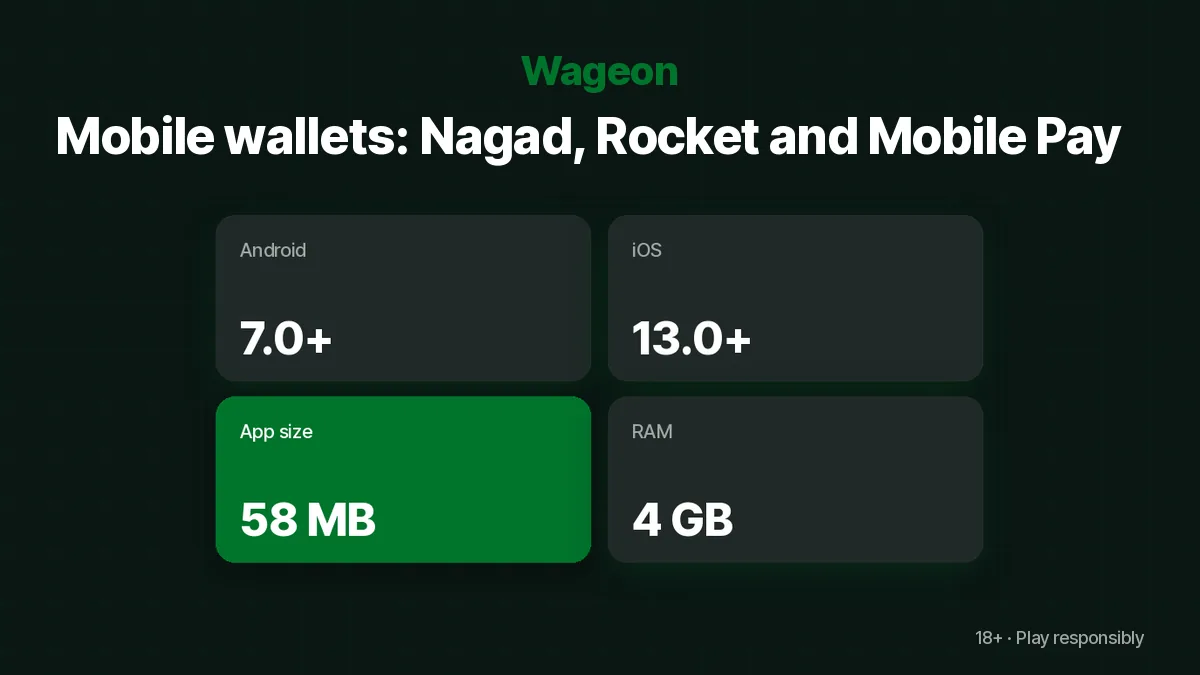
Nagad is the lead mobile wallet here and the one most tied to Wageon's core audience. I would choose it only if it is shown in my cashier and I already use it day to day. Rocket and Mobile Pay sit in the same family: money moves from a phone-based balance, with no card details typed in. Availability depends on the player's region, so I never plan around a wallet before seeing it listed. I also compare the minimum deposit and the withdrawal processing time for each wallet in the cashier.
Cards and PayPal: Visa, Mastercard and PayPal
Visa and Mastercard suit me when I want a familiar route and a clear bank statement trail. PayPal appeals when I prefer not to share card numbers with the site. With all three, I use only methods registered in my own name, because a mismatch between the payer and the account holder can delay verification or a withdrawal. I also check whether the same method can receive payouts, and I read the fee line in the cashier rather than assuming there is none.
How to Deposit at Wageon: Steps and Minimum Deposit Check
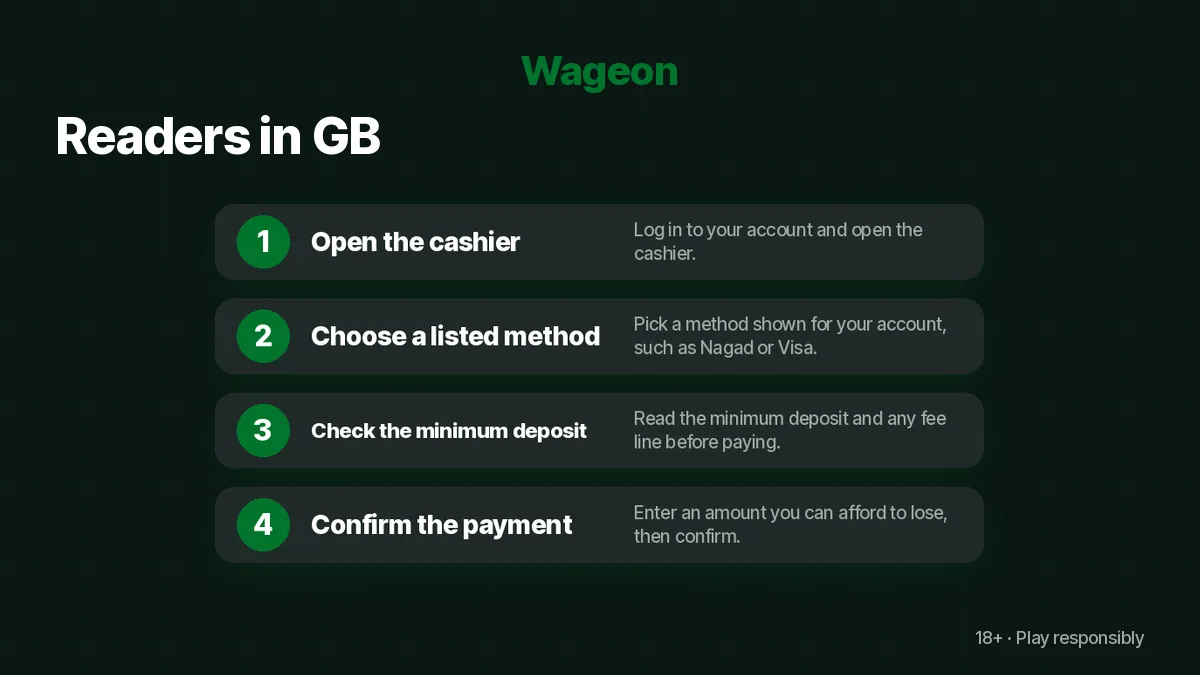
To deposit at Wageon, I log in, open the cashier, pick a method such as Nagad, Visa, Mastercard or PayPal, and read the minimum deposit shown on screen before I enter an amount. I confirm the figure there, because I do not rely on numbers quoted elsewhere. If I have not yet signed up, I finish registration first.
Deposit steps I follow
1. Log in to my account and open the cashier.
2. Choose a payment method that is listed for my account, such as Nagad, Visa, Mastercard or PayPal.
3. Check the minimum deposit and any fee line shown for that method.
4. Enter an amount I am comfortable losing, ideally within a limit I set beforehand.
5. Confirm the payment in the wallet, card or PayPal screen.
6. Look at my balance and the transaction history to see that the deposit has registered.
Before paying, I also look at the withdrawal processing time for the same method, since I want to know how my money can leave as well as how it gets in. If I am claiming an offer, I read the wageon welcome bonus terms before depositing, because a bonus can add conditions to the funds.
If money is deducted but my balance does not update
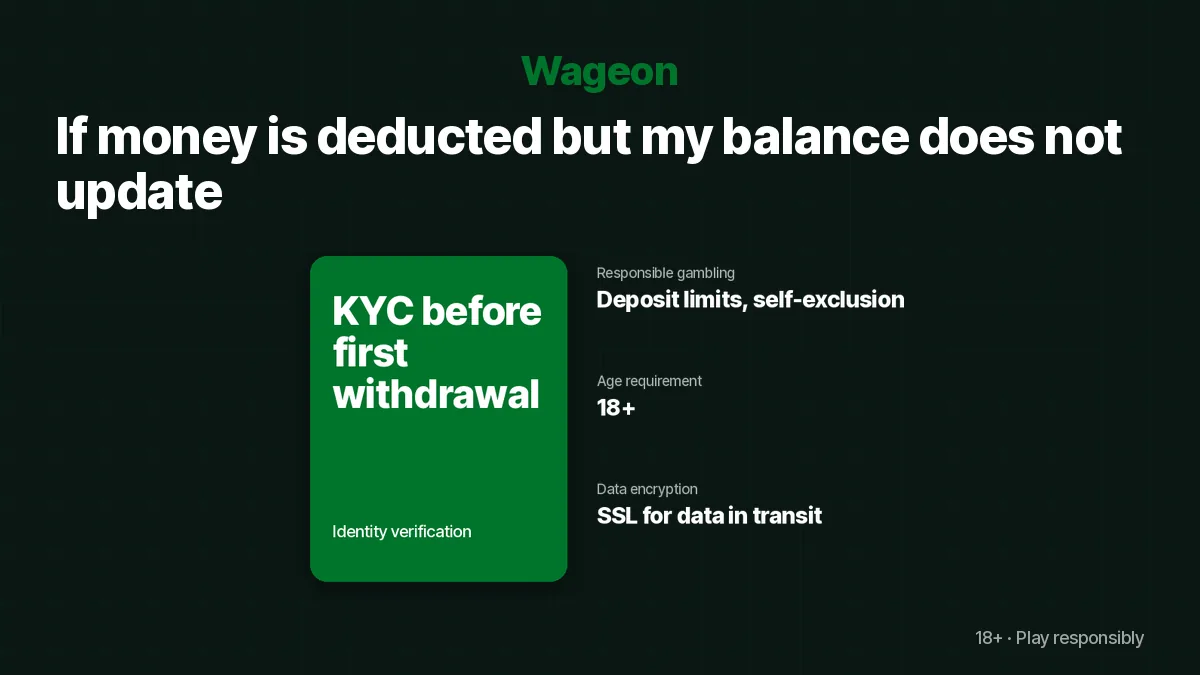
This can happen, and I handle it in a fixed order rather than paying again:
1. Wait a few minutes and refresh the page, since some payments confirm with a delay.
2. Open the transaction history in my account and check whether the deposit shows as pending, failed or completed.
3. Check my wallet, card or PayPal record for the payment reference.
4. If the balance is still unchanged, contact live chat and give the method, amount, time and reference.
5. Keep screenshots of the payment confirmation and the transaction history.
I do not make a second deposit until support has confirmed what happened to the first one. Gambling is entertainment with real financial risk, so I only deposit money I can afford to lose.
How Wageon Withdrawals Work: Processing Time, Limits and Pending Status
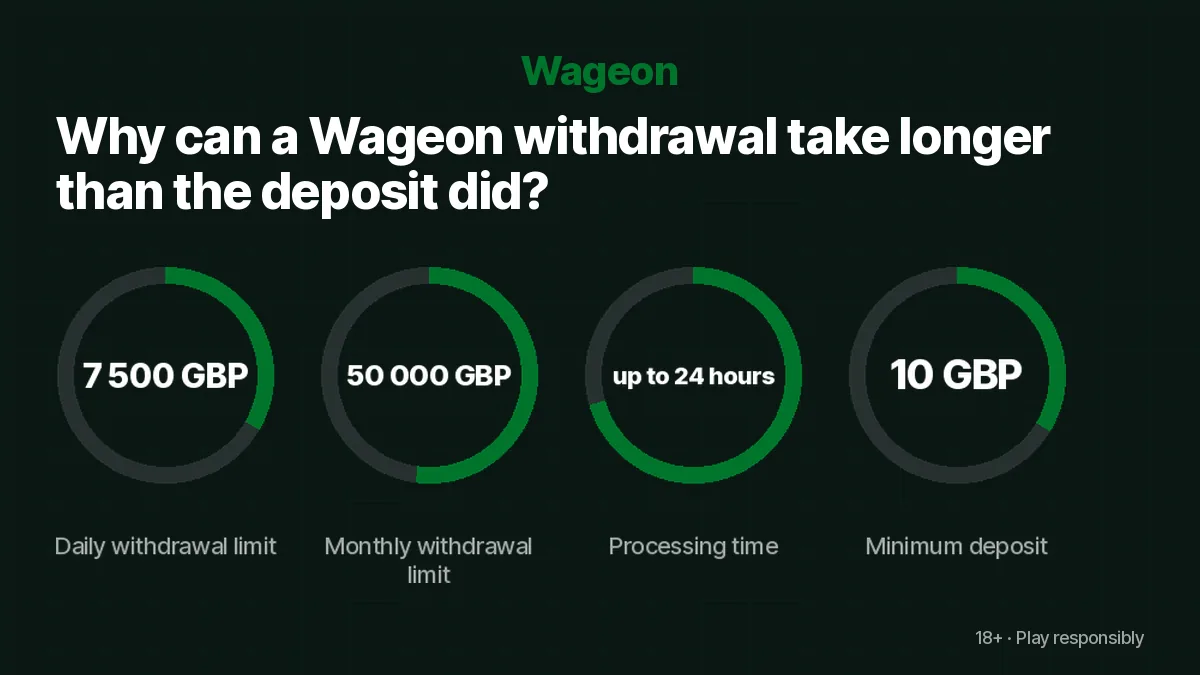
A Wageon withdrawal is requested from the cashier, and the withdrawal processing time, the minimum and maximum limits and any fees are listed there and in the withdrawal policy. I do not quote times from memory. Payouts usually also depend on completed KYC verification, so I check my account status before I request money, not after.
Limits, fees and the payout route
Before I request a payout, I read three things in the cashier: the minimum and maximum withdrawal amounts, any fee for the chosen method, and the withdrawal processing time. These can differ between Nagad, Visa, Mastercard and PayPal, and I do not assume one method matches another. I also remember the minimum deposit is a separate figure from the minimum withdrawal, so I check both. Where possible, I withdraw to the same method I deposited with, since payouts often have to return by a matching route.
Why I complete KYC early
KYC means proving my identity, and it must usually be completed before a withdrawal is released. I would rather verify straight after I sign up than wait until I have a balance to cash out, because a missing document is the most common reason I would expect a payout to stall. Wageon sets an 18+ age requirement, and verification is part of how that is confirmed. The documents requested are listed in the account area, so I upload only what is asked for and make sure the name matches my payment method.
What to do when a withdrawal stays pending
If a payout sits in pending status longer than the cashier or terms say it should, I follow these steps:
1. Check the status in my transaction history.
2. Confirm that my KYC is complete and that my registration details match my documents.
3. Contact live chat with the amount, method, date and withdrawal reference.
4. Keep screenshots of the request, the status and the chat.
I do not cancel and resubmit repeatedly, since that can complicate the review. Gambling carries real risk, so I never treat winnings as guaranteed or as income.
What Readers Learn Too Late: KYC, Bonus Wagering and Method Matching
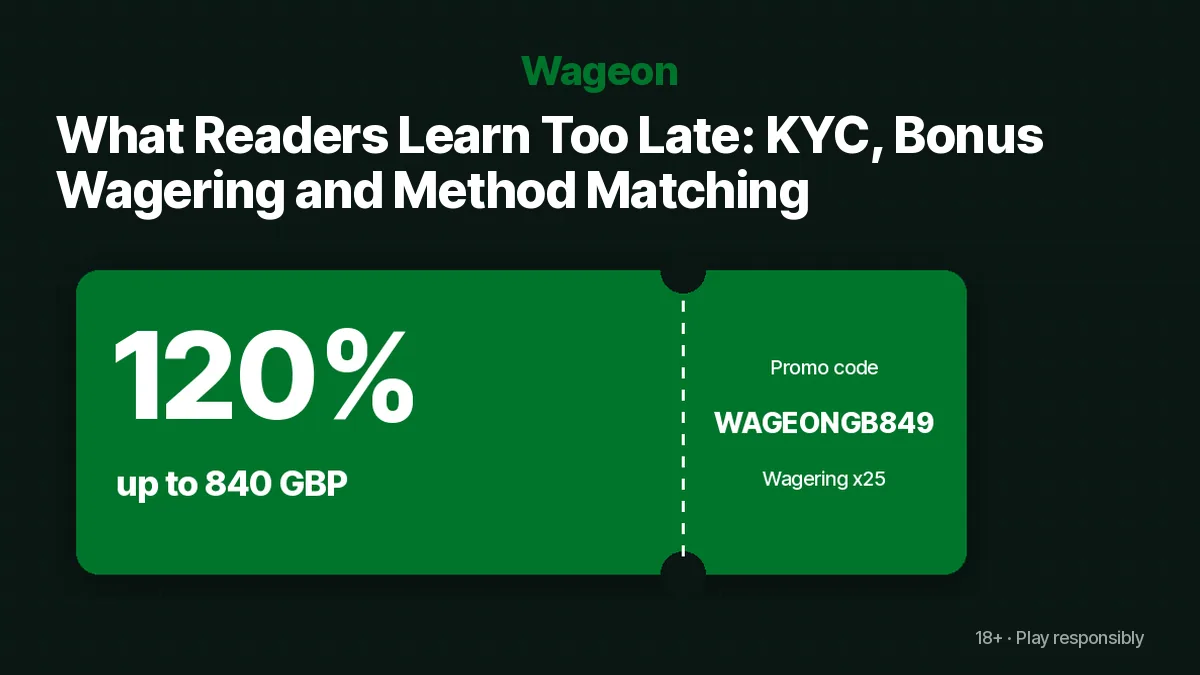
The three things I check before depositing are KYC documents, wagering conditions on any bonus, and whether my deposit and withdrawal methods match. Wageon sets an 18+ age requirement, and identity checks are part of confirming it. Missing any of these can slow a payout I assumed would be simple.
KYC comes before the first payout
I would not wait until I have a balance to find out which documents are needed. KYC is usually required before a first withdrawal is released, so I complete it early and make sure the name on my documents matches the name on my payment method. I also switch on two-factor authentication (2FA) in my account settings, since it protects the account that holds my money. Wageon uses SSL for data in transit, but strong account security is still my job.
Bonus wagering can change what I can withdraw
A welcome bonus usually comes with wagering requirements, and those can affect withdrawals linked to bonus funds. I read the terms before I accept anything, and I only treat an offer as available once the conditions apply to my account. Details sit on the neighbouring pages: the wageon no deposit bonus page covers that offer, and the wageon welcome bonus page covers deposit-linked terms. I do not assume that wageon free spins or any wageon promo code are open to every player, because eligibility is shown in the account. Cashback and the loyalty program carry their own conditions too, so I read those separately.
Mismatched deposit and withdrawal methods
Payouts often have to return by the route used to deposit. If I pay in with one method and want to cash out with another, I confirm that is allowed before I deposit. I treat bonuses as optional extras with conditions, never as a reason to stake more than I can afford to lose.
Who Each Wageon Payment Option Does Not Suit
Some wageon payment methods will not suit every reader. I would skip a method if it is not shown in my cashier, if I do not hold it in my own name, or if I need a fixed payout time. The cashier is the final word on what applies to my account.
| Situation | Option I would check first | What rules it out |
| Reader in GB looking for a local wallet | Visa, Mastercard or PayPal, if listed | Nagad or Rocket not shown in the cashier |
| No card, PayPal account or mobile wallet in my own name | Whichever method I already hold in my name | A payment from a third party's method |
| Wanting a small test stake | Method with a minimum deposit I am comfortable with | A minimum deposit above my planned stake |
| Needing money by a set date | None I would rely on | Withdrawal processing time is not a guaranteed figure |
| Wanting payouts to a different route | A method that accepts both deposits and withdrawals | Payout rules that return funds by the deposit method |
Readers in GB
Nagad and Rocket are tied to Wageon's main audience, so I would not plan around them from GB. I open the cashier while logged in and see which options are really offered before I register or fund anything. I do not assume Visa, Mastercard or PayPal appear either; I confirm.
Readers who need a fixed payout time
I would skip depositing altogether if I needed money back by a specific day. The withdrawal processing time is listed in the cashier and terms, not promised, and KYC checks can add delay. Gambling is entertainment with real financial risk, and a wageon promo code or any other offer does not change that. Only play with money you can afford to lose.
Staying Safe With Payments: SSL, 2FA and Deposit Limits
Before my first deposit I switch on two-factor authentication (2FA) and set deposit limits. Wageon uses SSL to protect data in transit, but account security and spending control are still my responsibility.
Protecting my account and payments
SSL encrypts the connection between my device and the site, and I check for the padlock in my browser before I enter any payment details. 2FA adds a second step at login, so a stolen password alone is not enough to reach my balance. I use a password I do not use anywhere else. I never send my password by email, and I treat any message asking for it as a scam, because a genuine operator does not need it.
KYC is part of safety too. Wageon requires identity verification, which helps confirm the 18+ age requirement and protects my money from misuse. I complete it early, with documents in my own name. If I am claiming any offer, such as wageon free spins, I read the conditions first and do not let it push me to deposit more.
Setting limits before I play
Responsible gambling starts with decisions I make before the first stake:
- Deposit limits: I set a daily, weekly or monthly cap in my account, using a figure I could lose without affecting rent, bills or savings.
- Time checks: I decide in advance how long I will play, and I stop when that time is up.
- Self-exclusion: If gambling stops feeling like entertainment, I use self-exclusion to block my account for a period, and I do not open a new one to get round it.
- No chasing: I never deposit again to win back a loss.
Wageon promotes responsible gambling and offers deposit limits and self-exclusion. I check the account settings or ask live chat where to find them, since the exact options are shown there.
Where to get help in GB
If gambling is causing me worry, I would speak to GamCare, a UK support resource for people affected by gambling. Talking to a friend or family member also helps. If you are under 18, you must not gamble at all.
FAQ
What payment methods does Wageon accept for UK players?
The methods I see listed are Nagad, Visa, Mastercard, PayPal, Rocket, Mobile Pay and bank transfer. Which of them appear for a GB account depends on regional availability, so the cashier is the only place that confirms it. Nagad and Rocket are tied to Wageon's main audience in Bangladesh, which makes Visa, Mastercard or PayPal the more likely options for a UK reader, if they are shown. The trade-off is convenience against payout route: pick a method you can also withdraw to.
What can you do if Wageon does not pay out your withdrawal?
Start with the status in your transaction history, then confirm that KYC is complete and that your registration details match your documents. If the payout is still pending beyond the time shown in the cashier or terms, contact live chat with the amount, method, date and withdrawal reference, and keep screenshots of the request and the chat. Avoid cancelling and resubmitting repeatedly, since that can complicate the review. Missing KYC documents are the most common reason I would expect a payout to stall.
Can I withdraw from Wageon to a different method than the one I deposited with?
Not always. Payouts often have to return by the same route used to deposit, so a different withdrawal method may be refused. Confirm in the cashier whether your chosen method accepts both deposits and withdrawals before you pay in. The compromise is flexibility against simplicity: depositing and withdrawing by one matching method, registered in your own name, usually avoids delays during KYC and payout checks.
Why can a Wageon withdrawal take longer than the deposit did?
A deposit only needs the payment to confirm, while a withdrawal usually requires completed KYC verification first, plus a check that the payout method matches the account holder. Bonus funds can add further conditions through wagering requirements. The withdrawal processing time is shown in the cashier and terms, not guaranteed, so I would not rely on money arriving by a set date. Completing KYC straight after registration removes the most common source of delay.